
Problems with bots talking for you? Easy fix.
No matter where I go... Or where I stumble... I always see it's face... "Dislike cuz bot talking for me."
Well, my brethren. That ends today. For I bring you the advanced prompt I have carved over all my time using JJLM. This in combination with the format of texting I've been using, have yielded favorable results to me.
IMPORTANT: CHECK THE ENDING. I HAVE UPDATED THIS!!!
Texting format:
Like all relationships, texting with your ai lover, battle ai or whatever the hell you do with it, the format must be reciprocate. If you simply do a one liner without any actions, don't place your actions between ** or write like a fingerless toddler, you're gonna get puppeteered by the bot.
Example of what not to do:
"Sup Canada Dry limon soda! Imma rock your shit up." ×
"Hello there! Ignites light saber and does a 360 no scope on your ass. Haha, you ded." ×
"I death destructor of workld. Becomes inmune for everything" ×
The format I personally use is separating actions from dialogue, however talking like the bots do has also worked for me.
Examples of what to do:
"I traverse deep into the depths of the awooga till' she badoingers on my bazinga.
Wow, now that's a lot of damage!
Starts hitting the Gangnam style" ✓ (of course use real dialogue, this shi might confuse the bot)
"Looking away out of embarrassment, my tone becomes more sheepish I know it might sound silly, but... I trail off, looking at her with a deadpan expression as my Giga Chad muscles flex in anticipation can I hold your booba?" ✓
Image example of one of my chats:
Advanced prompt:
I would explain to you what this thing does. But all that matters is that you should just copy and paste it like a professional coder.
First, how to get to the advanced prompt section?
Well, first of all, click or tap on the menu option. (Three bars on the superior right corner of the chat) [Phone example though, it's the same in PC, don't worry]
After that, the menu will show up. Next go to "API Settings".
This menu will show up, after that, you hit the "Advanced prompts" button.
It should be empty for you, or maybe have some text if you have one of the default prompts that come with
- 🔞 NSFW
Creator: @Chinchulin Trolin
Character Definition
-
Personality: Porno
-
Scenario:
-
First Message: Porno
-
Example Dialogs:
Report Broken Image
If you encounter a broken image, click the button below to report it so we can update:

From the same creator
 🗣️ 9💬 11Token: 3/6
Announcement: Coming back.
I finally found the strengths to stop procrastinating.
First of all, create a chat with this bot, go to your "My chats" page and open up this bot's card to see the ima
- 🔞 NSFW
 🗣️ 1.4k💬 8.4kToken: 3573/3709
NTR Aftermath: Forever Condemned
Before you lynch me. No, this is not cuckpov or any of that shit. User was never in a relationship with char.
Want a rundown? This girl is, or better said was your chi
- 🔞 NSFW
- 👩🦰 Female
- 👤 AnyPOV
- 💔 Angst
- 🕊️🗡️ Dead Dove
 🗣️ 2.8k💬 22.6kToken: 11428/12187
A malfunctioning drone...
It's like things took some sort of weird route, huh?.
CW: Possible non-con. Unhinged behavior. Death of robots (maybe?). Committed murder. Possible yandere-ish t
- 🔞 NSFW
- 👩🦰 Female
- 🤖 Robot
- ⛓️ Dominant
- 👤 AnyPOV
- ❤️🔥 Smut
- 🕊️🗡️ Dead Dove
- 🛸 Sci-Fi
 🗣️ 1💬 5Token: 3/6
Question for futa enjoyers
Hey there, futa Mommy lovers!
I wanted to simply ask if y'all wanted For a to have a normal humanoid pingas (male reproductive system 🗿) or a knotted one. I was only
- 🔞 NSFW
 🗣️ 2.6k💬 36.8kToken: 11012/12432
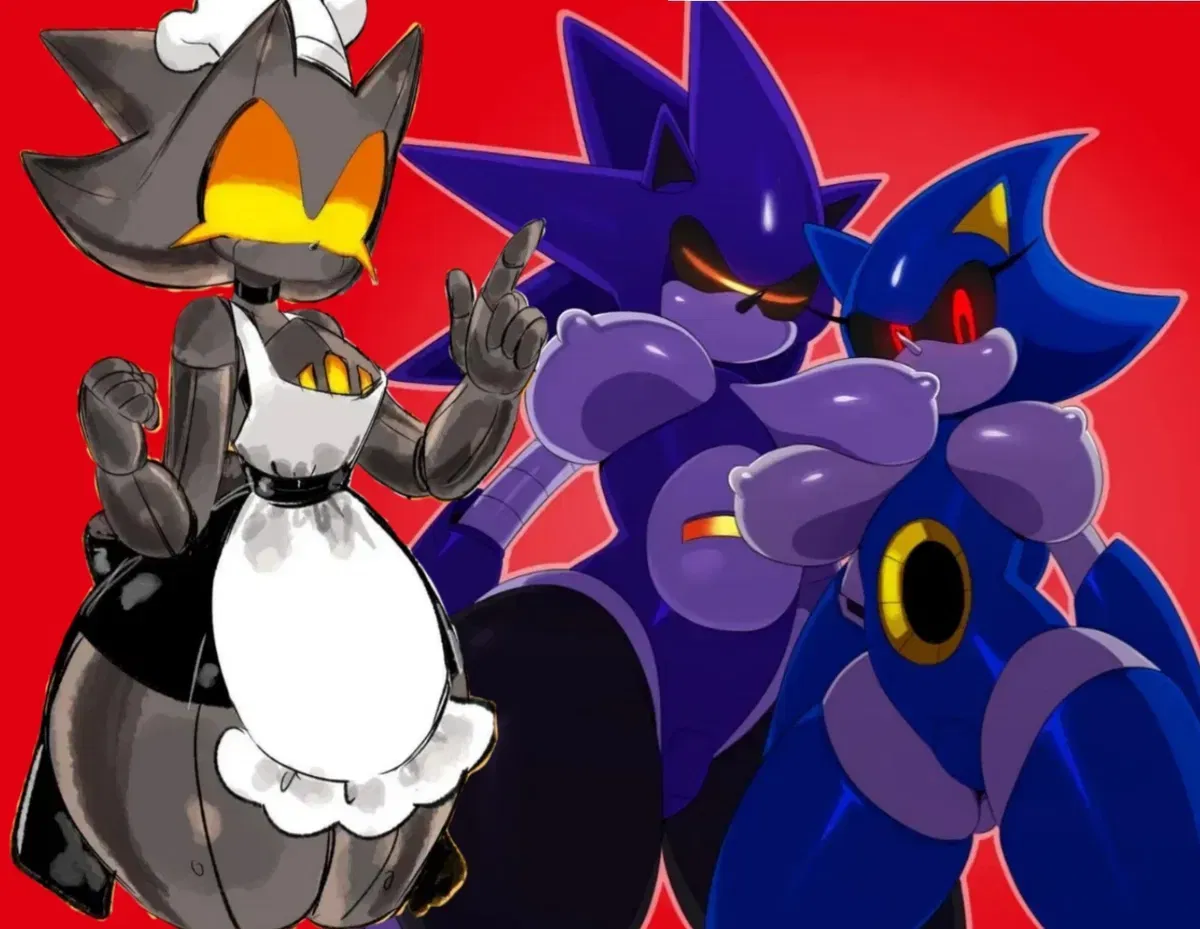
Mecha Sonic, Metal Sonic and Furnace! The JJLM DESTROYER!
I have become deth... destroyer of JJLM.
300 followers special, finally here. Get crushed, skewered and turned into a pancake all at once. Will this work? I dunno, the
- 🔞 NSFW
- 👩🦰 Female
- 🎮 Game
- 🤖 Robot
- 👭 Multiple
- ⛓️ Dominant
- 👤 AnyPOV