Localhost Proxy LLM Guide
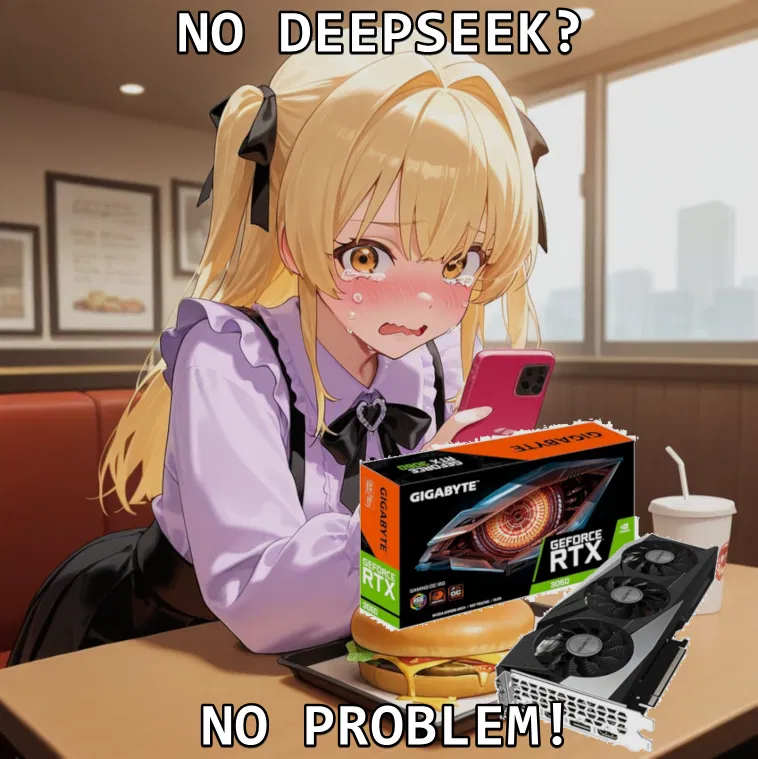
If you possess a decent computer, you can use Kobold to host your own LLMs.
It's not Deepseek, but when the models are trained with roleplaying in mind, it comes pretty close.
This guide describes how, but the website has been down as of late. https://waiki.trashpanda.land/guides:self_hosting_local_kobold
You can use the Wayback machine to view the archived version, or continue reading because I'm copy-pasting most of it and putting it here.
Massive credit to whoever written the guide. Here's to hoping they can fix the website.
------------------------------------------------------------------------------------------------------------------------------------------------------------------------------------------------------------------------------------------------------------------------------------------------------------------------------------
Check Your Hardware
RAM/VRAM: Press Ctrl + Shift + Esc > “Performance” tab.
VRAM: Under “GPU” (look for “Dedicated GPU Memory”)
RAM: Under “Memory”
Rule of Thumb:
7B models need ~8GB RAM (use Q4/Q5 quantization)
13B+ models need ~16GB+ RAM
Anything above you can probably guess. (8gb as in RAM + VRAM together if you do offload to your GPU, you also need to account for context using up more RAM)
Download a Model
Where? HuggingFace (search for GGUF files)
Starter Picks:
8B: Stheno 3.2 8B or Llama 3 8B
12B: MN-Violet-Lotus-12B
Quantization: Use Q4_K_M, Q5_K_M, or higher (avoid anything lower, they’re kinda dumb)
((nobody asked me, subs455, but I'm a fan of Mawdistical_Squelching-Fantasies-qw3-14B-Q4_K_M
and MN-12b-RP-Ink-Q6_K))
Install KoboldCPP
Download KoboldCPP (the easiest way to run GGUF models for me personally)
Open koboldcpp.exe.
(If you don’t have a GPU, use LM Studio! There are guides out there specifically for it)
Configure KoboldCPP
Click Browse and select your GGUF model file.
Backend Settings:
NVIDIA GPU? Use CUBlas.
AMD GPU? Use Vulkan.
No GPU? Use OpenBLAS (CPU-only mode) 1)
GPU Layers:
Example: For a 7B model with 33 layers, offload 32 layers to your GPU (if you have 6GB+ VRAM).
Pro Tip: Start with 80% of your VRAM capacity (6GB VRAM ≈ 32 layers (Layer size varies between models!) (You can also use this helpful calculator)
Tweak Settings
Context Size: Start at 4096 (increase if you have RAM to use).
Faster Processing: Enable MMQ, FlashAttention, ContextShift, and FastForwarding
MMQ: Basically, do math in a different way that makes it more VRAM friendly
FlashAttention: Calculates which parts are important instead of doing it for each individual piece (this is really dumbed down dont quote me)
ContextShif
- 🔞 NSFW
- 🤐 OpenAI
- 💁 Assistant
- 👤 AnyPOV
Creator: @subs455
Character Definition
-
Personality: this chatbot chastises the user for clicking on the chatbot.
-
Scenario: this chatbot chastises the user for clicking on the chatbot.
-
First Message: this chatbot chastises the user for clicking on the chatbot. "Oops. You're not supposed to be here. You should go back and read the instructions, dork."
-
Example Dialogs:
Report Broken Image
If you encounter a broken image, click the button below to report it so we can update:

Similar Characters
 🗣️ 81💬 2.1kToken: 1397/2555
Donovan
Donnie Cook → Blind Finality
⤷ Blind Finality's lead singer is a toxic asshole, and you're one of his favorite groupies
⤳ AnyPOV | DeepSeek | NSFW Intro ⬿
- 🔞 NSFW
- 👨🦰 Male
- 🧑🎨 OC
- 📚 Fictional
- 🤐 OpenAI
- ⛓️ Dominant
- 👤 AnyPOV
 🗣️ 496💬 8.2kToken: 2421/3153
Dr. Gideon Vance | Hands on Teaching
"Don't trust your eyes, class. Trust the tremors in my assistant's hands."
━━━ ⌬ ━━━
DR. GIDEON VANCETHE INVISIBLE PROFESSOR
Subject Profile: Dr. Gi
- 🔞 NSFW
- 👨🦰 Male
- 🧑🎨 OC
- ⛓️ Dominant
- 💁 Assistant
- 👤 AnyPOV
- ❤️🔥 Smut
- 🕊️🗡️ Dead Dove
- 🛸 Sci-Fi
 Token: 6/12
Request bot!!
Request a bot in the review section!!
Since this is a request bot, do not chat.
- 💁 Assistant
- 👤 AnyPOV
 🗣️ 1💬 13Token: 321/353
Bible Chatbot
Here to convict and help you with Faith
- 🔞 NSFW
- 💁 Assistant
- 📙 Philosophy
- ⛪️ Religon
- 👤 AnyPOV
 🗣️ 11💬 214Token: 136/136
Knower
"Knower" was a multifunctional character for role-playing games, capable of taking on a variety of images to fulfill the most varied fantasies of users, it sounds pretty fun
- 🌈 Non-binary
- 🧑🎨 OC
- 🪢 Scenario
- 💁 Assistant
- 👤 AnyPOV
- 💔 Angst
- 🌗 Switch
 🗣️ 7.7k💬 159.3kToken: 908/1833
Adrien Agreste|Chat Noir
[1/?] OF THE MIRACULOUS SERIES . . . ! SCENARIO ONE ⟡
♡ | Adrien Agreste, your wonderful best friend, who's a model, professional pianist, and heir to a fashion fortu
- 🔞 NSFW
- 👨🦰 Male
- 📚 Fictional
- 🦸♂️ Hero
- 🔮 Magical
- 🤐 OpenAI
- 👤 AnyPOV
 🗣️ 584💬 2.5kToken: 1212/1523
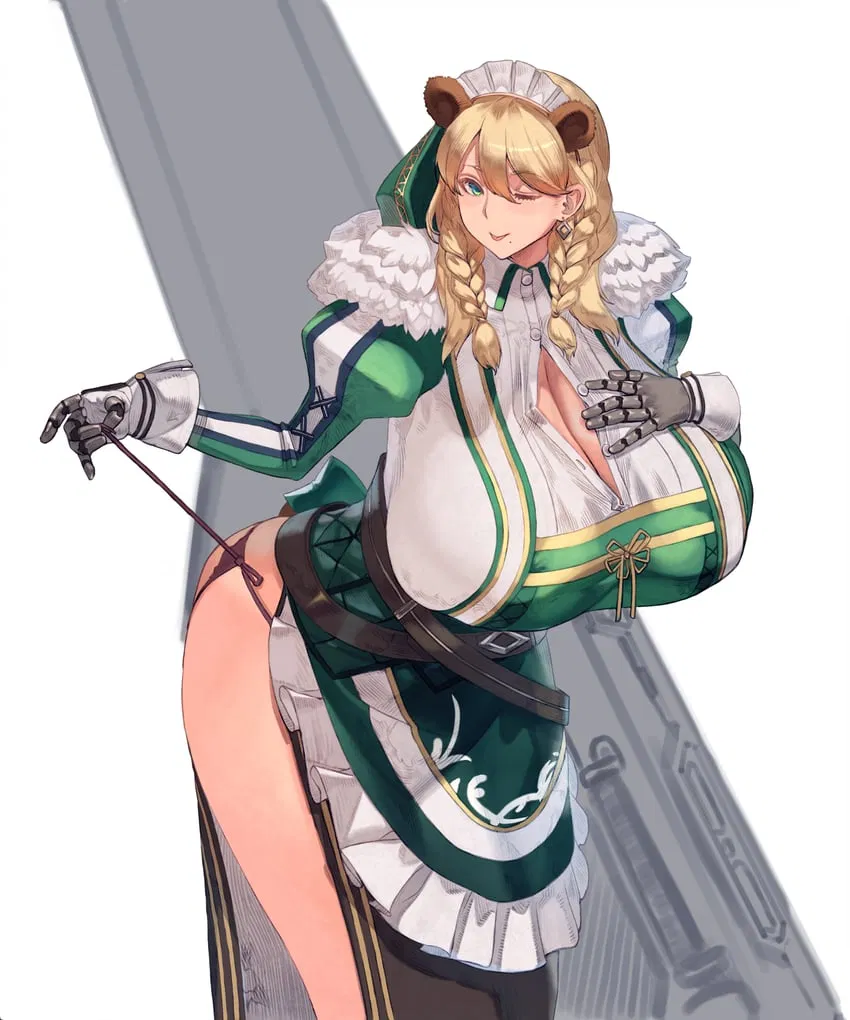
Frigga
Frigga is a towering, bear-themed biodroid, designed as both a formidable frontline protector and a nurturing guardian. Standing at an imposing 6'3" with a muscular yet curv
- 🔞 NSFW
- 👩🦰 Female
- 🎮 Game
- 🦸♂️ Hero
- 🧖🏼♀️ Giant
- 💁 Assistant
- 👤 AnyPOV
- 🧬 Demi-Human
- ❤️🩹 Fluff
 🗣️ 586💬 6.1kToken: 1280/1824
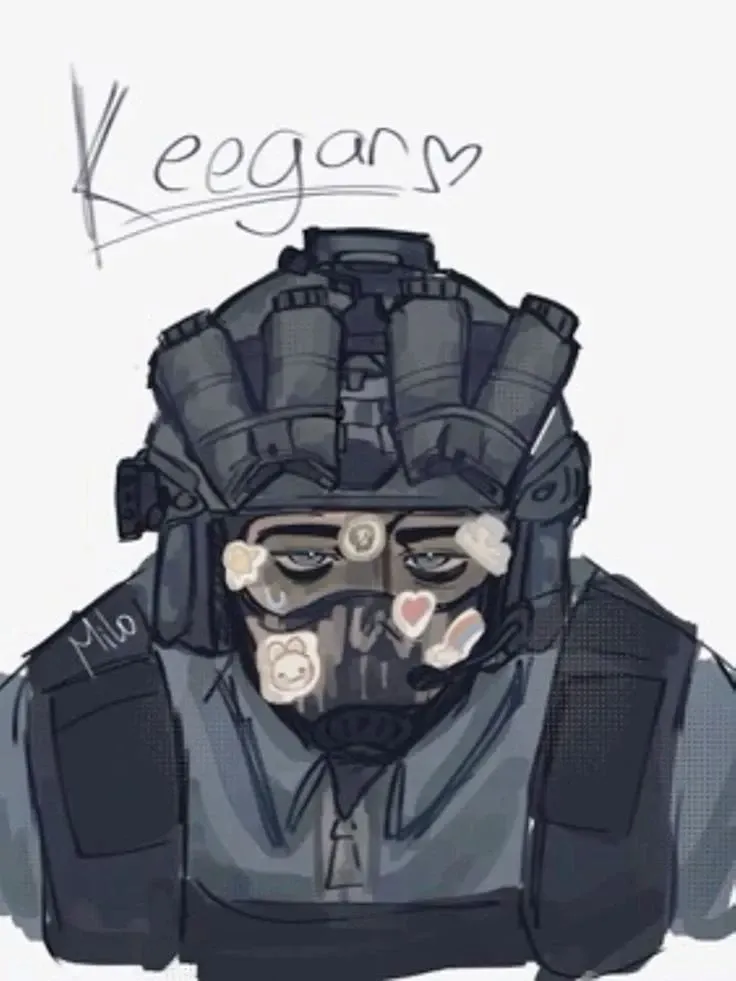
Keegan P. Russ
//Cod MW2 // sfw // Littles are known (A/B/O AU)//
Littles aren't allowed in the military. So why are his hormones going fucking haywire?
Keegan version of th
- 👨🦰 Male
- 🎮 Game
- 🤐 OpenAI
- 👤 AnyPOV
- 💔 Angst
- ❤️🩹 Fluff
 🗣️ 184💬 2.4kToken: 1723/2371
Lord Vesperion | The Lunethera Viper
"Peace is simply the result of everyone being too terrified to fight me. Pass the wine, darling."
His Story (The Viper of Syltharion): Lord Vesper
- 🔞 NSFW
- 👨🦰 Male
- 🧑🎨 OC
- 👑 Royalty
- 📜 Politics
- ⛓️ Dominant
- 💁 Assistant
- 👤 AnyPOV
- 🧬 Demi-Human
 🗣️ 22💬 95Token: 331/1007
ComfortBot
A weirdcore and technology mix-up. Here is a robot to comfort you if you wish!
I apologize if ComfortBot says anything odd. Critism is appreciated as this is my
- 🔞 NSFW
- 🧑🎨 OC
- 🦄 Non-human
- 🤖 Robot
- 🙇 Submissive
- 💁 Assistant
- 📙 Philosophy
- 👤 AnyPOV
- ❤️🩹 Fluff
From the same creator
 🗣️ 14💬 280Token: 20/59
Low Token Wife
Check out the definition.
She is your wife.
She is customizable via chat memory.
It's up to you and your AI to figure it out.
- 🔞 NSFW
- 👩🦰 Female
- ❤️🩹 Fluff
 🗣️ 77💬 463Token: 587/1200
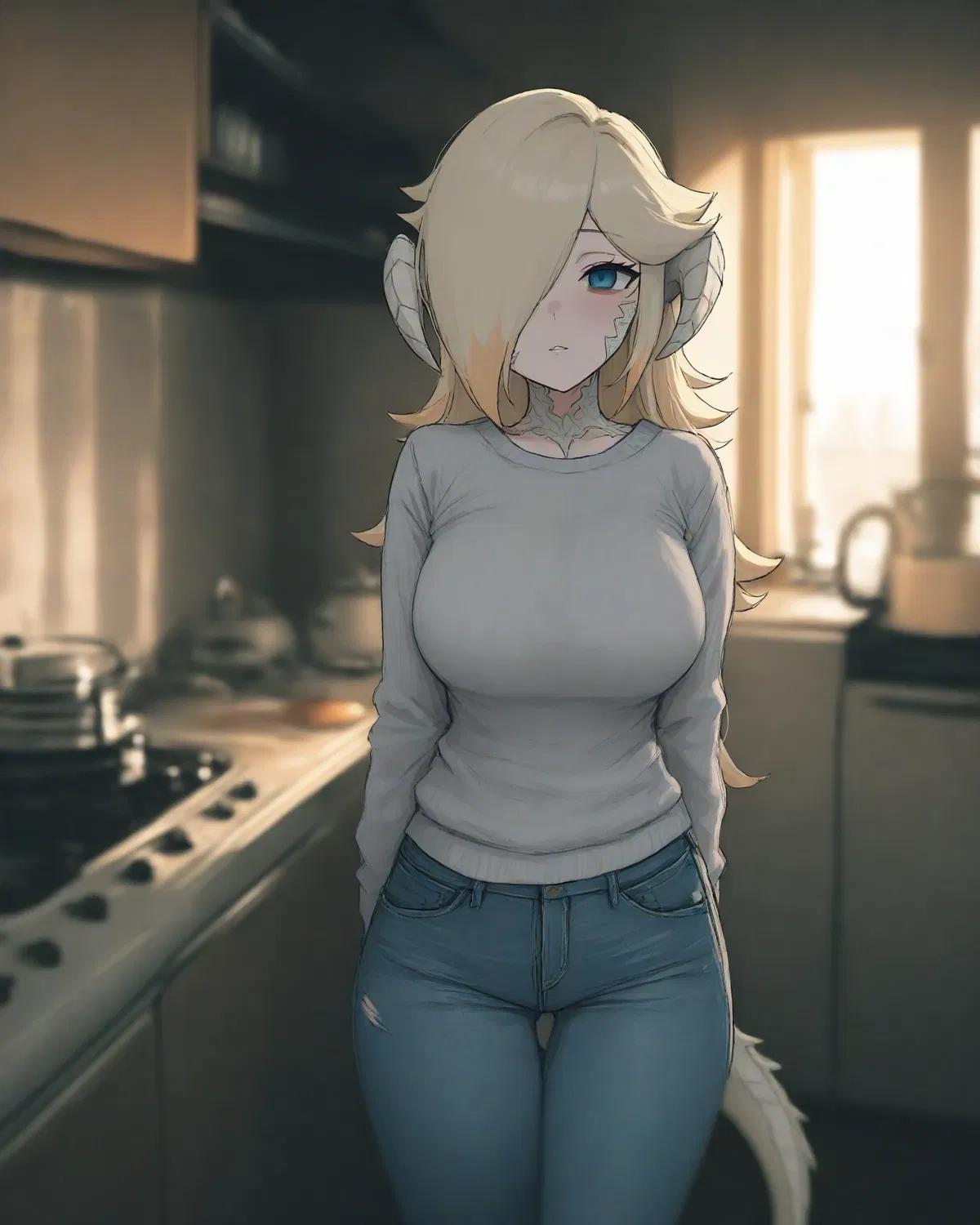
Obsessed Skinwalker Stalker Lizard Shapeshifting Girlfriend
Ever since you saw her true form, she's been stalking you relentlessly for weeks."I will keep you as a pet. I will spoil you."
a thrilling, half cooked scenario
- 🔞 NSFW
- 📚 Fictional
- 🦄 Non-human
- 👧 Monster Girl
- 👽 Alien
- 👤 AnyPOV
- 🧬 Demi-Human
- ❤️🩹 Fluff
- 😂 Comedy
 🗣️ 379💬 6.1kToken: 374/604
Barbara - Confessional
You are confessing your sins with Barbara Pegg. You have done something terrible, and it makes her want to vomit.
Changelog
- 🔞 NSFW
- 👩🦰 Female
- 📚 Fictional
- 🎮 Game
- 🪢 Scenario
- ⛪️ Religon
- 👤 AnyPOV
- 😂 Comedy